How To Setup your Church Twitter Account

Twitter is a great way to communicate with your congregation and community through short messages. The current message length limit for Tweets your church posts is 280 characters.
How To Setup your Church Twitter Account
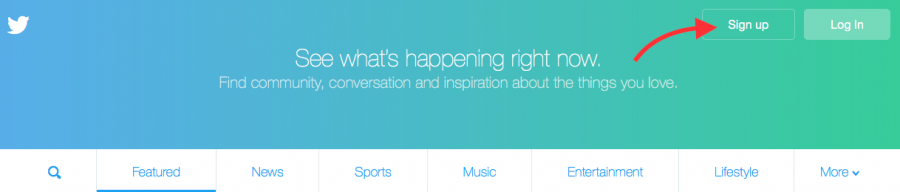
1 – Go to www.Twitter.com and click Sign Up
.
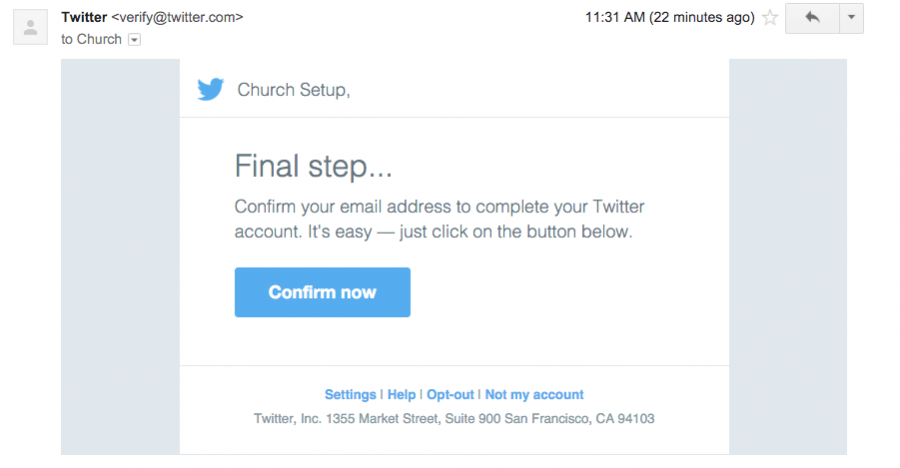
You will be sent an email asking you to verify your account. When you receive the email, click the Confirm now
button in the email to complete the verification.
2 – Enter your Church Name, Email Address, choose a Password and click Sign Up
to create your account.
You will be taken to a page to enter your mobile phone number. If your church does not have a mobile phone that you want connected to this account, click Skip
below the
Next
button.

3 – Choose a Username.
This username will also be used in the link of your Twitter account. You can potentially change it later, but it is better to find a name you like from the beginning as you may find that other names you want will be taken in the future.

If you choose a name that has already been taken, Twitter will let you know and even provide suggestions for modifying your chosen name to find one that is available. You may be able to add an additional character or number for instance to find a username that still fits your church, but is not already taken.
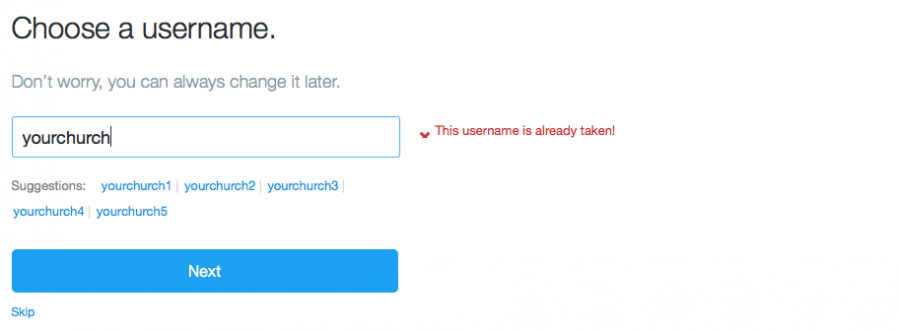
Preferably, you will want to find a username that is available across all of your social media accounts. It is much easier to communicate to your congregation if your Facebook, Twitter and other Social Media accounts have the same usernames.
www.NameCheck.com is a resource you can use to find out if your chosen username is available across all Social Media platforms. You can try variations of your Church Name until you find a usable option.
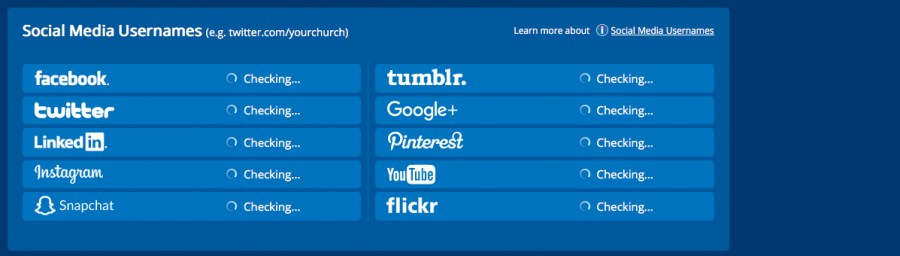
4 – Twitter will then ask you to go through a setup process that includes providing information about your personal preferences.
They may also have you follow a certain number of popular accounts to help you get started.
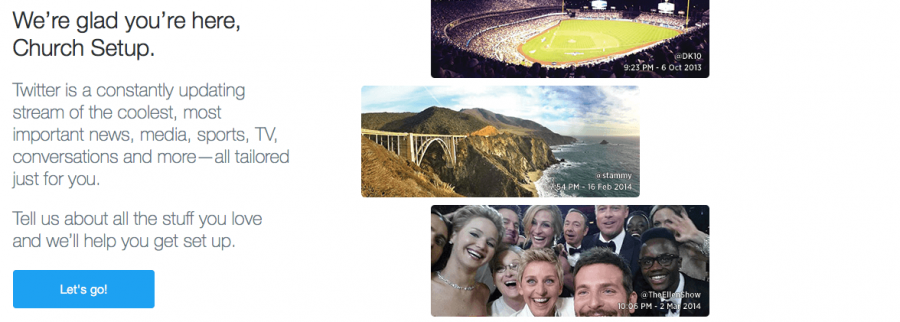
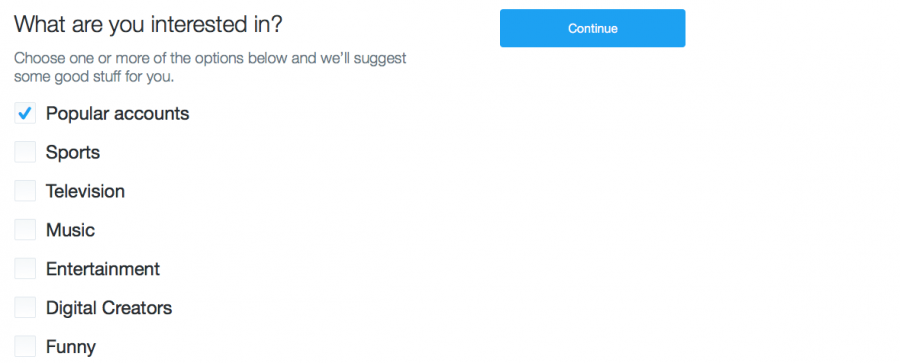
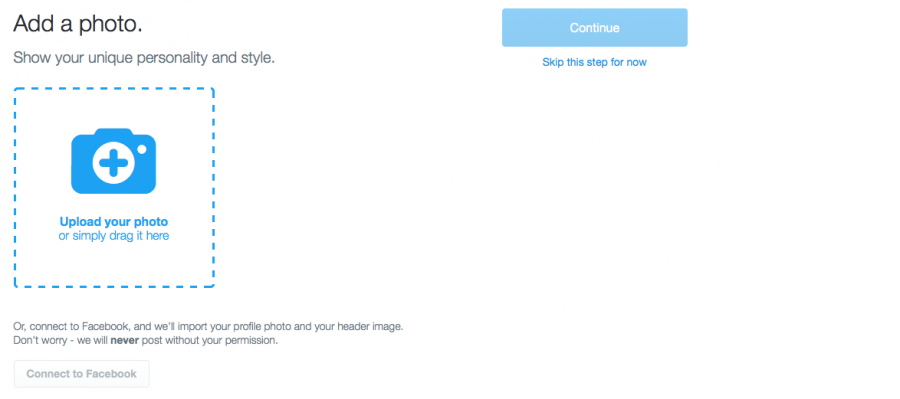
5 – Upload your Church Logo Graphic.
A good size for this logo is 300px by 300px at 72dpi. You can also connect your Twitter account to your Facebook account in this step and it can pull in your Facebook profile photo for you. If you are not ready to upload your Church Logo during setup, you can click skip and complete this step later.
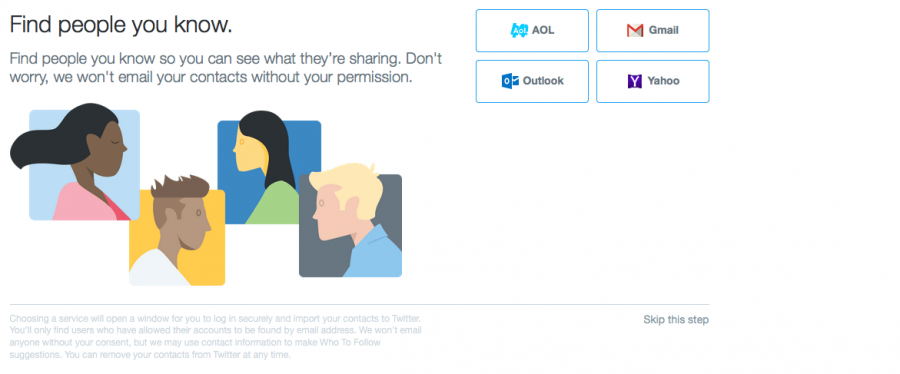
6 – Find People You Know.
If your church has an email address that has contacts entered for people from your church, you can use this step to find and connect to their Twitter accounts. You can also skip this step and move on if you choose not to connect using your email account.
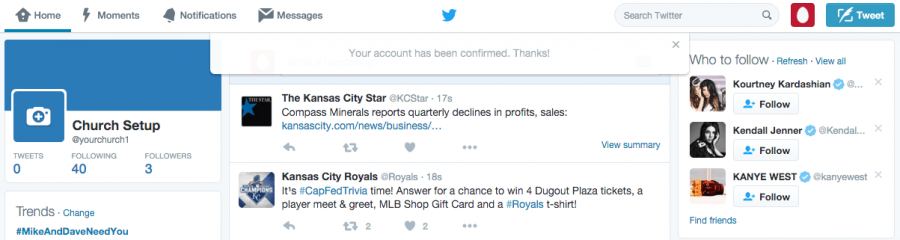
After going through the previous steps and confirming your new account through your email address, you will be taken to your new Twitter home page. Now you will want to take a couple of steps to improve your Twitter profile and experience.
7 – Improve your Twitter Page and Profile.
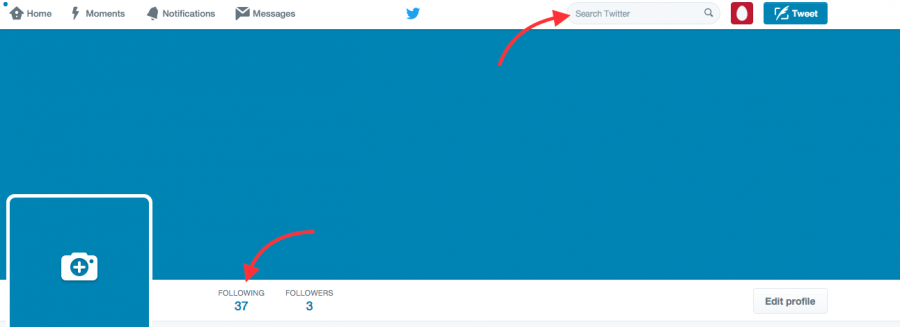
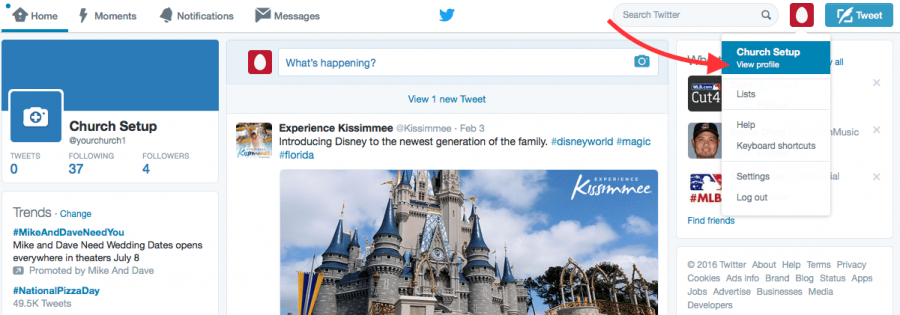
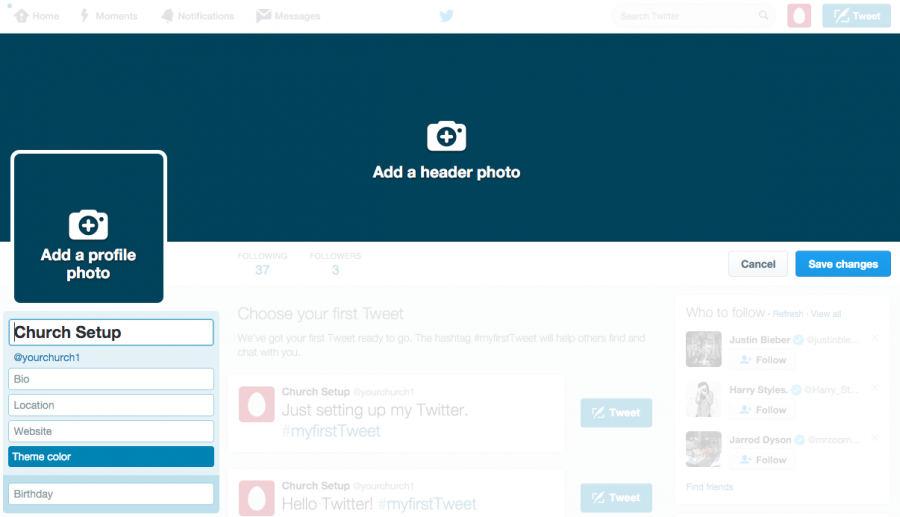
Click on the profile picture in the top right corner and click View Profile
. Then click Edit Profile
.
Add your Church Logo and Header Photo graphics. Your Logo should be at least 300px by 300px at 72dpi and needs to be square. Your Header Photo should be 1500px wide by 500px tall at 72dpi.
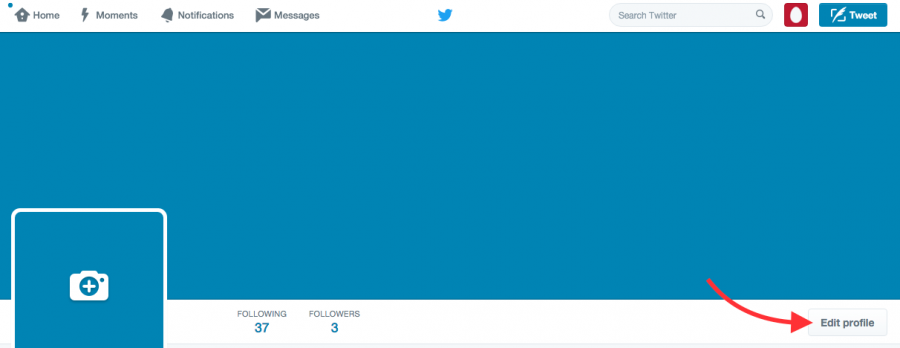
Complete your profile by filling in your complete Church Name, Bio description, Location, Website Address. You could add the launch date of your Church as the Birthday. Then click Save Changes
.
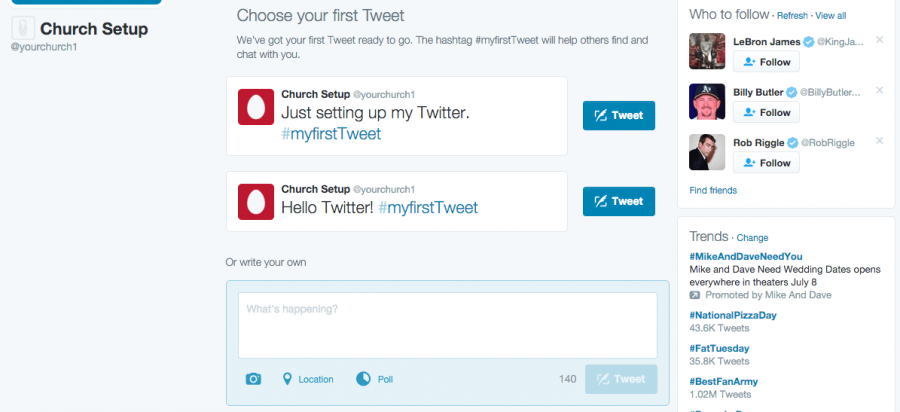
8 – Send your first Tweet.
You can choose from a couple of their suggestions, or get right to your own content and Tweet something about your church.
9 – Manage your Follows and Followers.
During the sign-up process Twitter asked you to pick some popular accounts to follow. If you did this, you will want to unfollow any accounts that you really did not want to follow. Click on Followers
and unfollow those you did not want to intentionally follow. Then use the search bar at the top to begin searching for people in your church and community to connect with.