Submit Your Church Podcast on Stitcher

Stitcher presents itself as online radio, but also has Podcasts that you can listen to both on your desktop by logging in directly to the site or with Android and Apple Apps. This makes it a platform that can be used more universally for some people than iTunes.
To get into the Stitcher Podcast Directory visit www.Stitcher.com. Scroll down to the very bottom and click the “Partner Signup” in the footer.

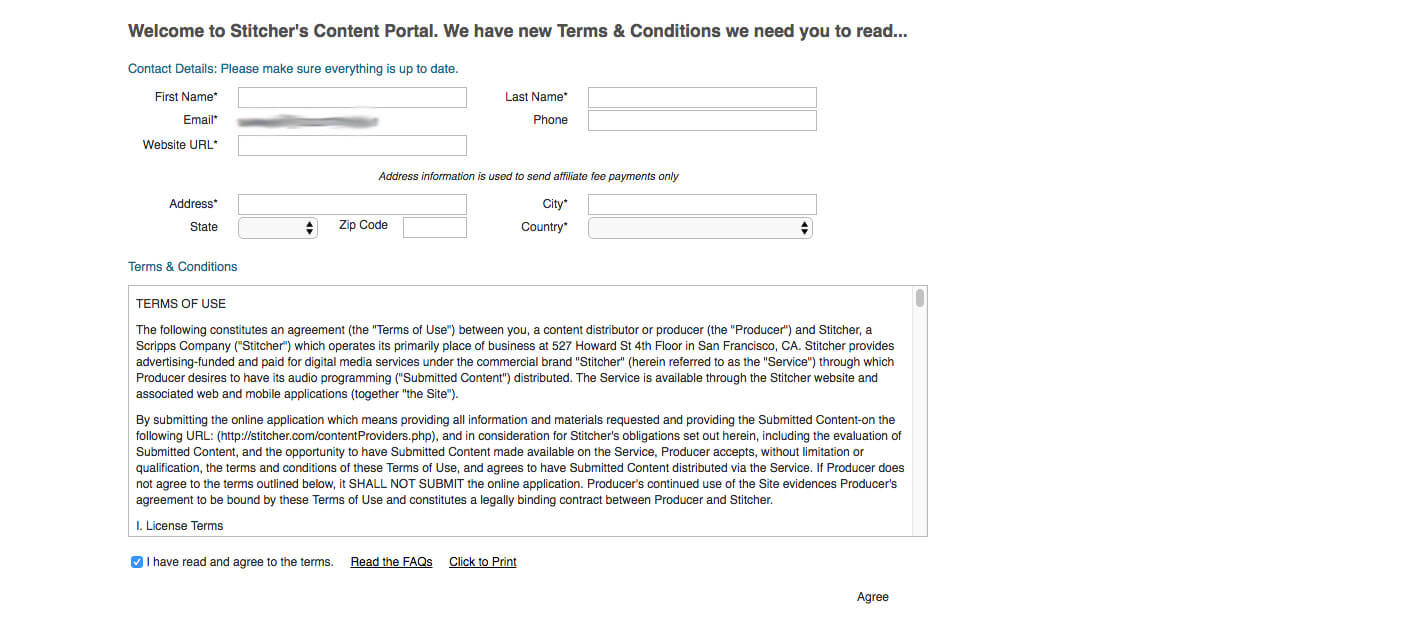
On the next couple of pages you will be asked to create your Partner Account.
On the page after that, you will enter information about your Podcast to give Stitcher a better idea of what your “show” is about. Your main details, however, will be pulled directly from your WordPress Plugin information no matter which Podcasting Plugin you chose.

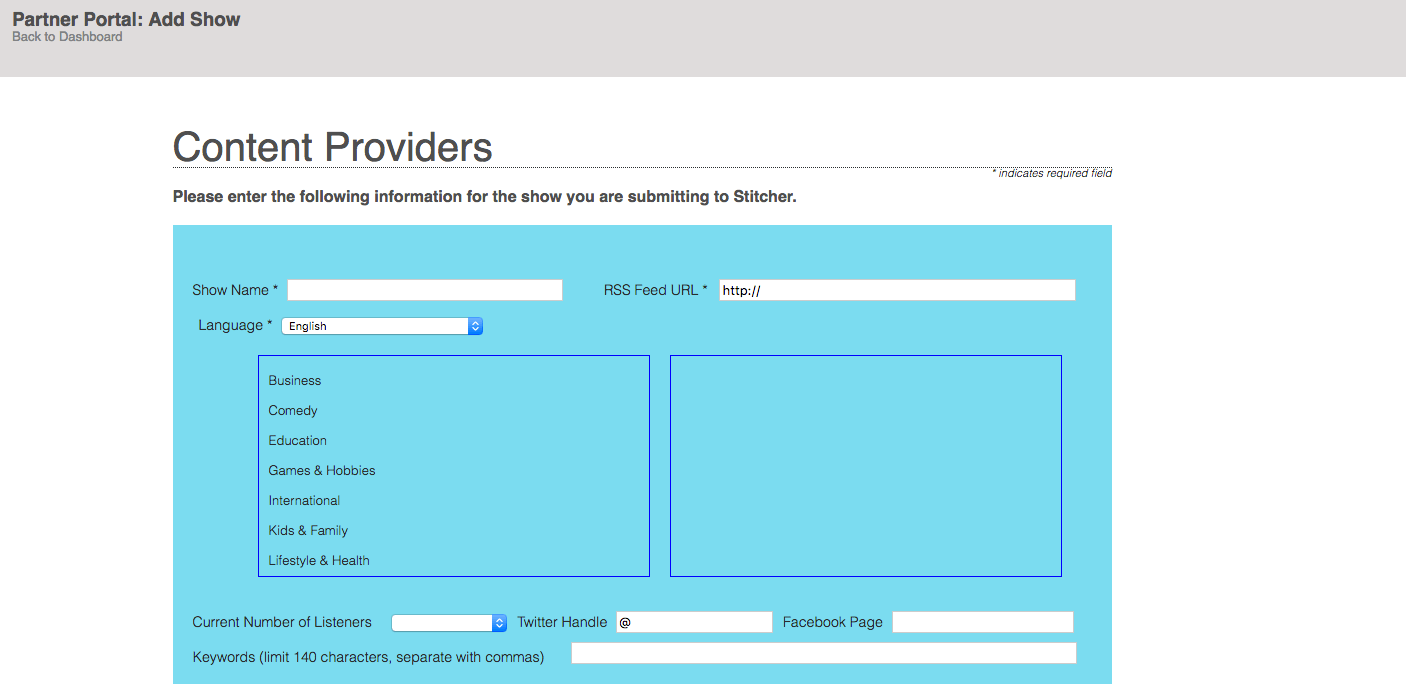
Login to your WordPress Dashboard into the Podcasting setting, then copy your Podcast Feed and place it in the information requested by Stitcher. Remember to make sure you have at least one Podcast sermon uploaded and posted on your website or your Podcast feed will not be readable to Stitcher. If Stitcher is saying your feed is not working it is most likely because of an issue with your Podcast file.

After you have entered your Podcast info, click the “Continue” button. You will have an opportunity to review the information you entered before submitting it. After reviewing it, click the “Submit Application” button to complete your submission.
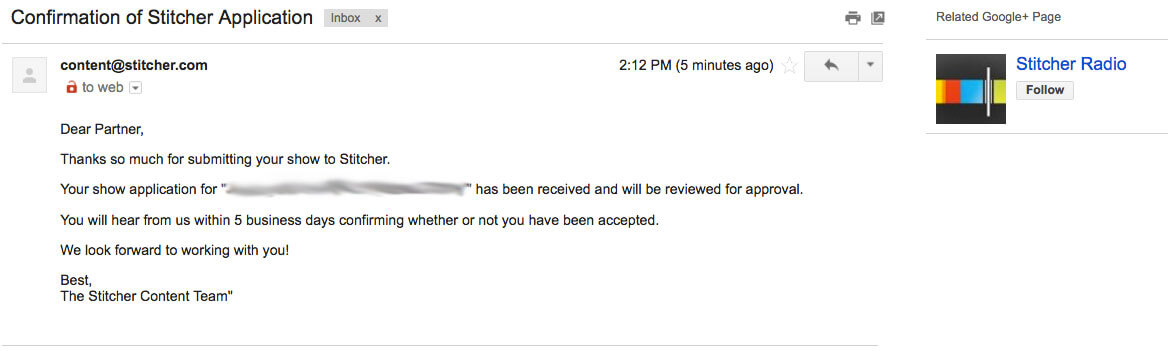
You should receive an email letting you know that your Podcast submission has been received and is waiting to be approved. After approval, you should receive another email letting you know whether yours has been accepted.